TeamOrgChart
Visualize and explore your organization with org charts built from your employee data
 for Teams
 for SharePoint
 for M365
Overview
Create dynamic organizational charts in minutes
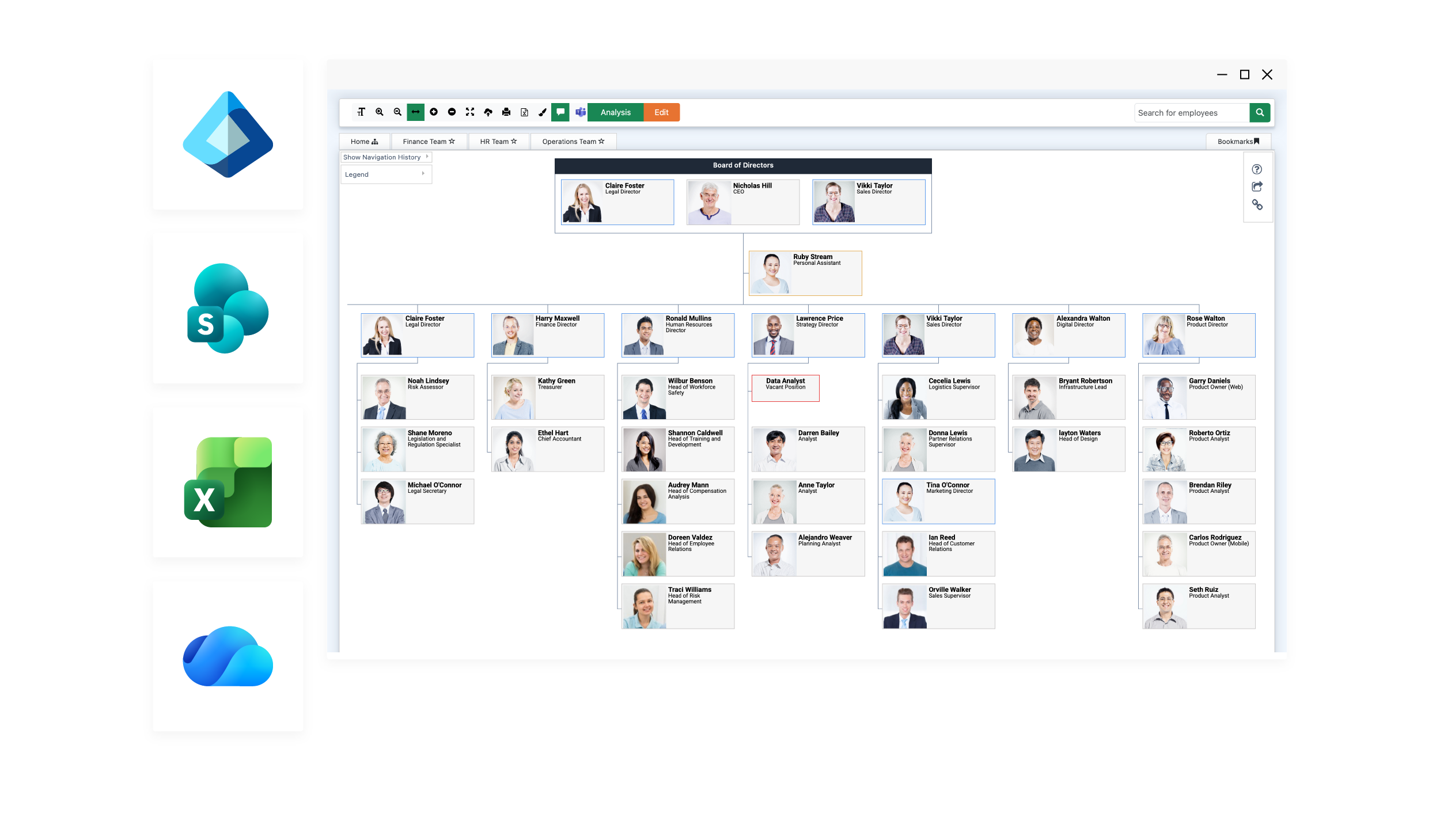
Eliminate time-consuming manual updates
Keep your charts effortlessly up to date with automatic data sync from your HR or directory systems—no more tedious, error-prone edits.
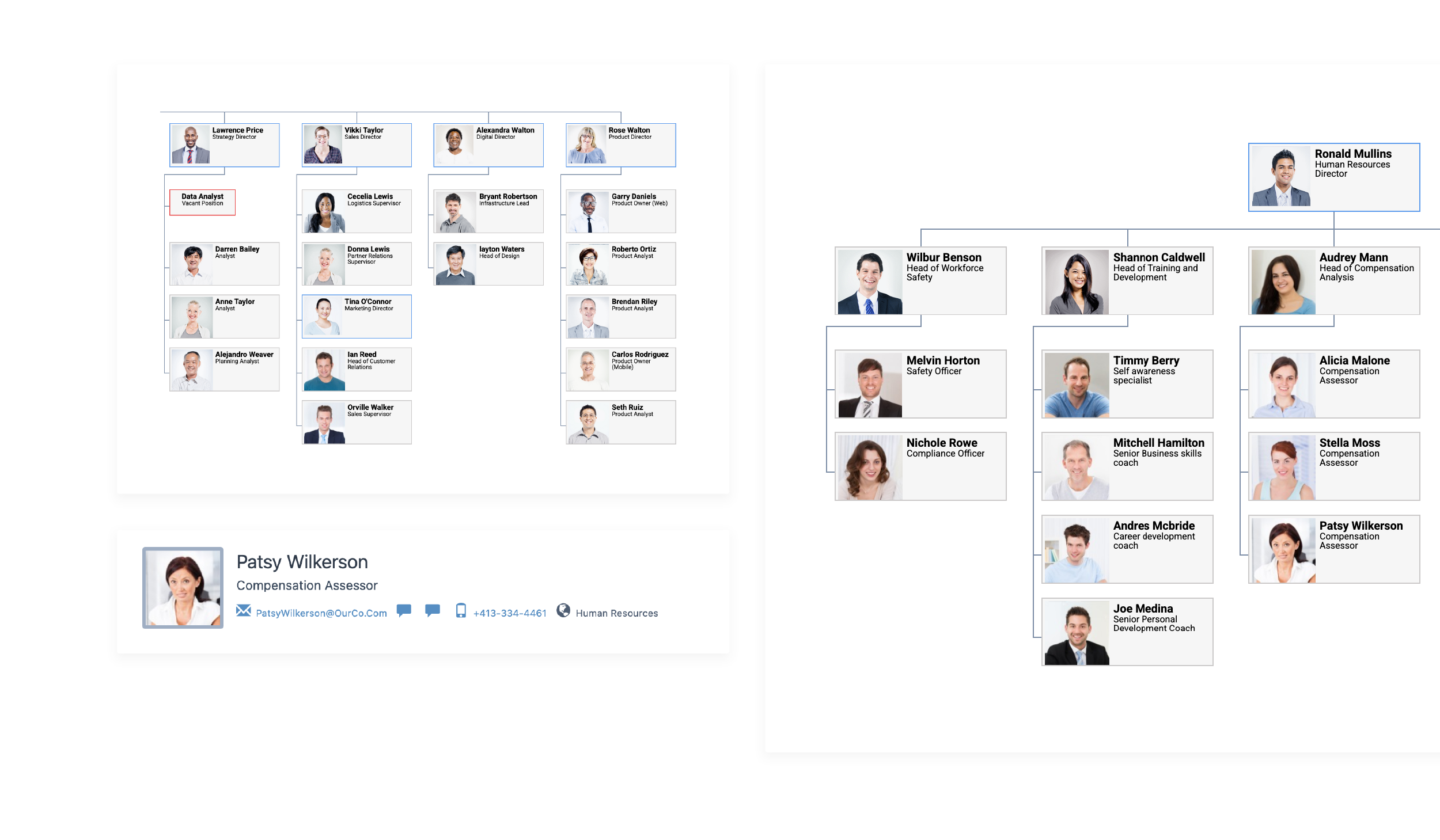
Understand complex team structures at a glance
Visualize reporting lines, roles, and relationships instantly with intuitive layouts that make even large organizations easy to navigate.
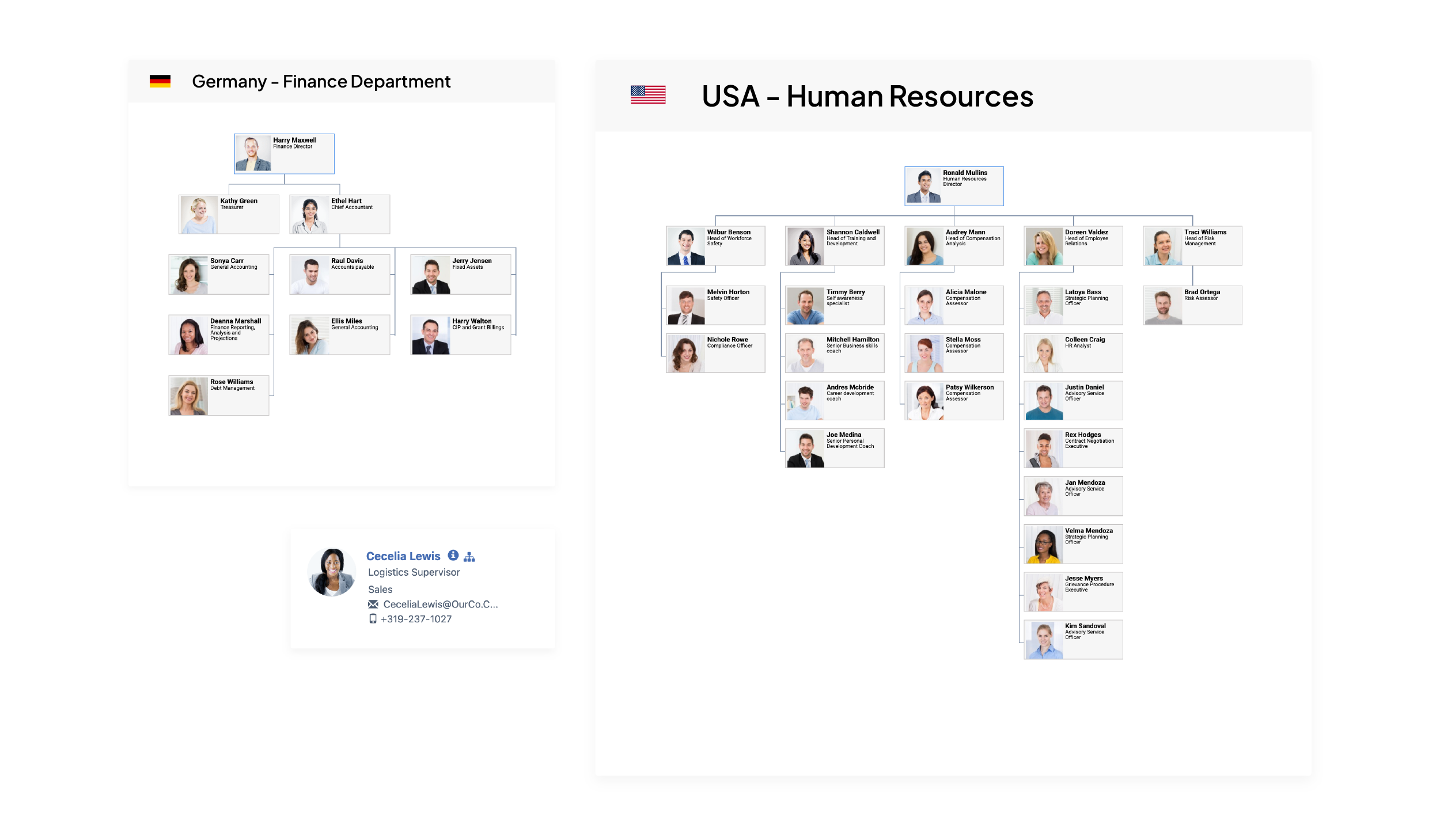
Boost visibility in remote and hybrid workforces
Help everyone stay connected by giving teams a clear, shared view of who’s who, wherever they’re working from.
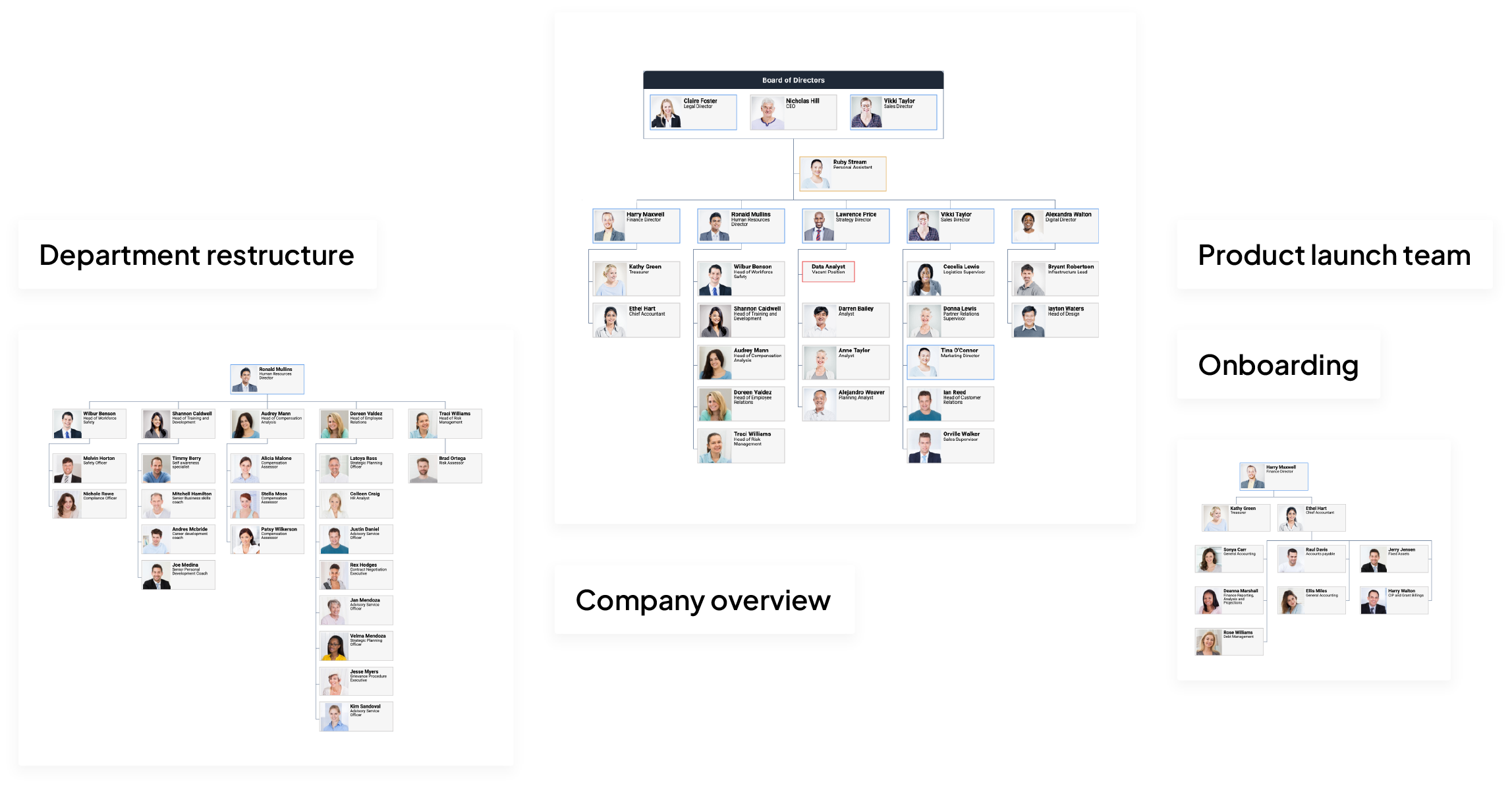
Multiple charts
Create as many charts as you need to support onboarding, build crisis teams, and plan restructures all at the same time.
Key features
Unlock the power of your employee data
Simple setup
Build charts in minutes with single sign-on and data from Entra ID, SharePoint lists, or Excel, no technical skills required.
Automatic sync
Ensure your charts stay current with automatic sync from your Entra ID data.
Swift navigation
With employee search and bookmarks you can return to frequently visited chart locations with ease.
Customization
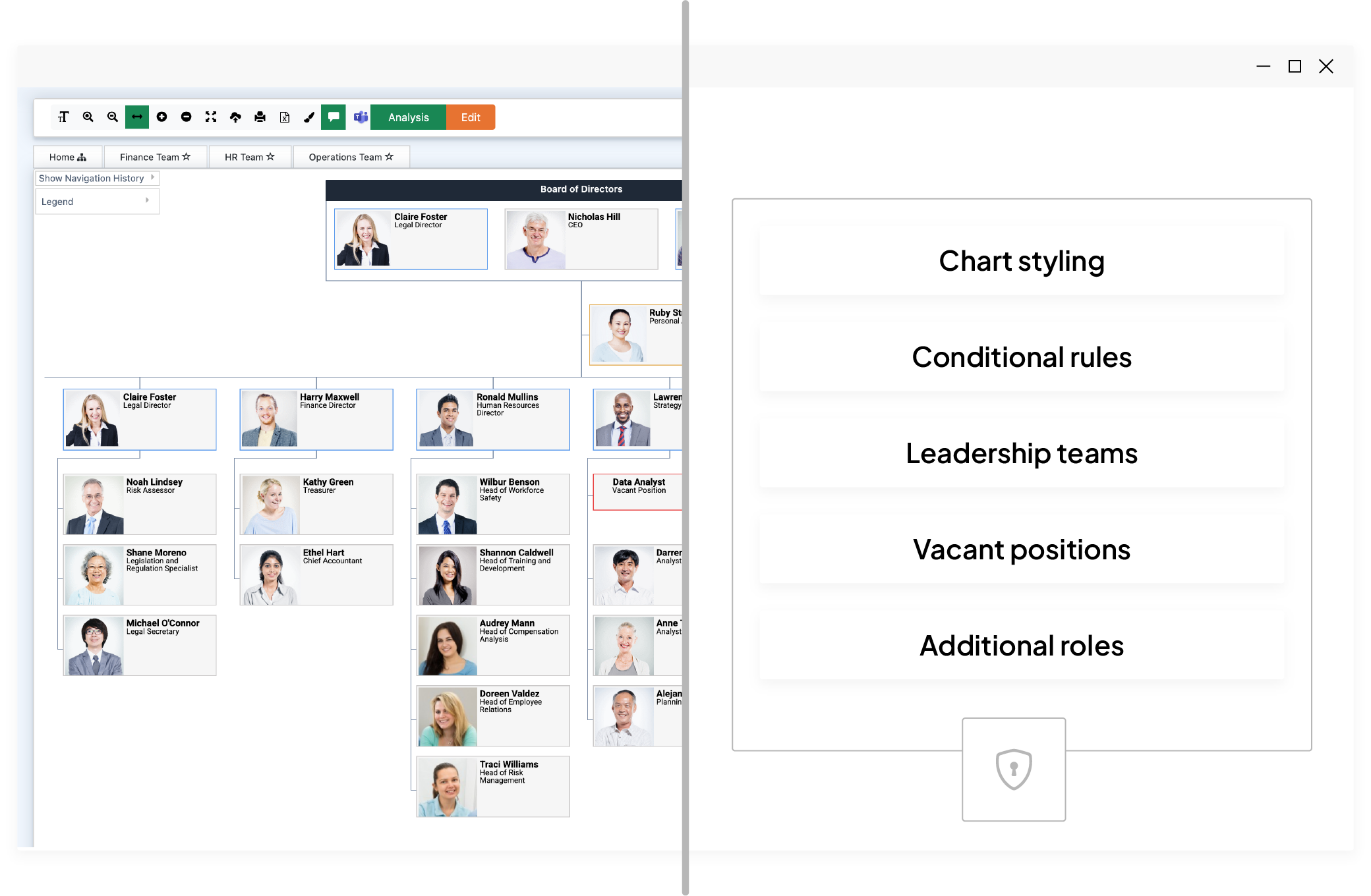
Highlight important information with conditional rules, styling and formatting options.
Data analysis
Identify incomplete and incorrect fields from within TeamOrgChart, helping to maintain accurate employee records.
Share and embed
Embed in a Teams channel or your SharePoint site and export to PDF to simplify distribution to stakeholders.
Integration
Fit seamlessly into your Microsoft workflow and access your org charts where you already work without switching apps.
Security
Keep full control of your data. TeamOrgChart only stores what’s necessary to display your charts.
Architecture
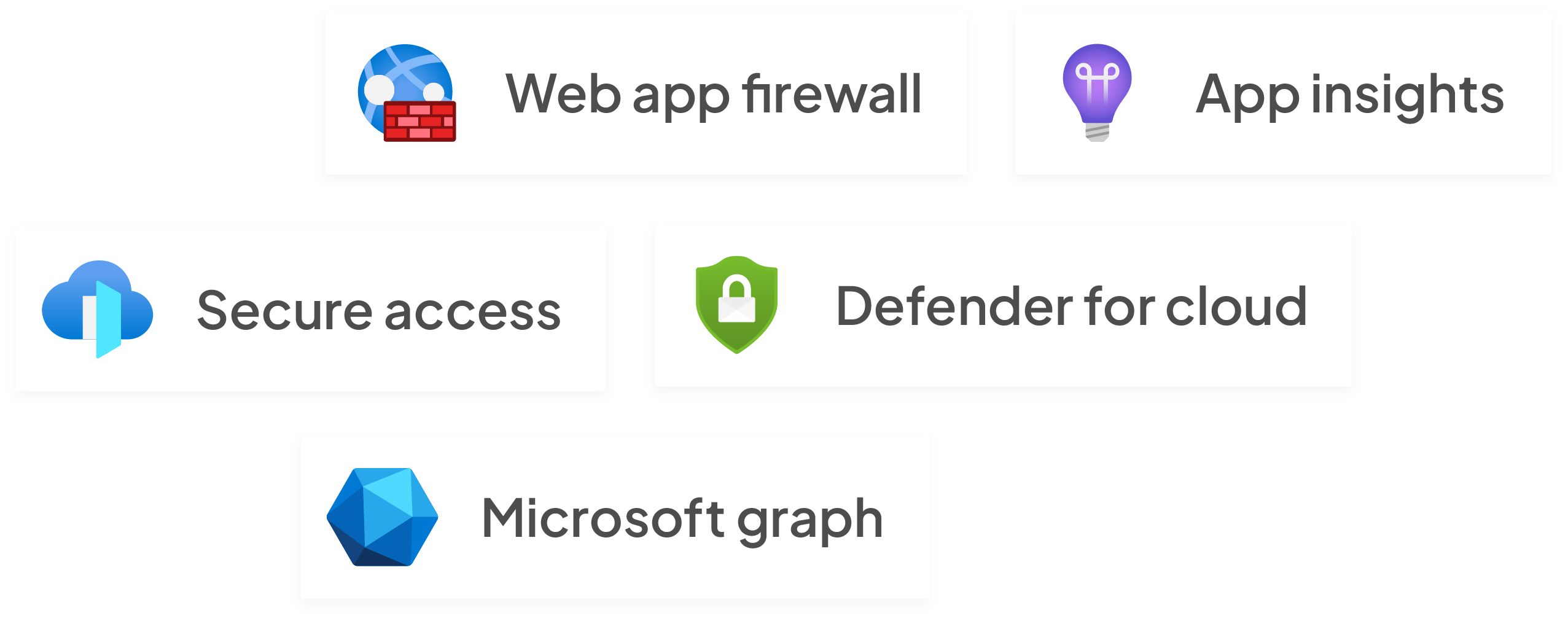
Built with Microsoft Azure architecture ensuring your charts are safe and secure.
Frequently asked questions
TeamOrgChart creates interactive organisational charts from Microsoft 365 data sources, helping teams visualise reporting lines without manual updates.
It pulls information from Microsoft Entra ID, SharePoint lists or Excel via Microsoft Graph after you grant consent and uses single sign-on to simplify setup.
Yes—conditional rules let you highlight specific roles or attributes, and you can add temporary or vacant positions to reflect organisational changes.
Only metadata about your chart is stored; employee data stays in your Microsoft 365 environment and is encrypted in transit and at rest, with authentication handled by Microsoft Entra.
Plans start at $25/month for up to 200 employees and scale with organisation size; all tiers include the same features and a 30‑day free trial.