TeamDirectory
A shared employee directory to connect colleagues across every team and location
 for Teams
 for SharePoint
 for M365
Overview
Search your entire organization in seconds
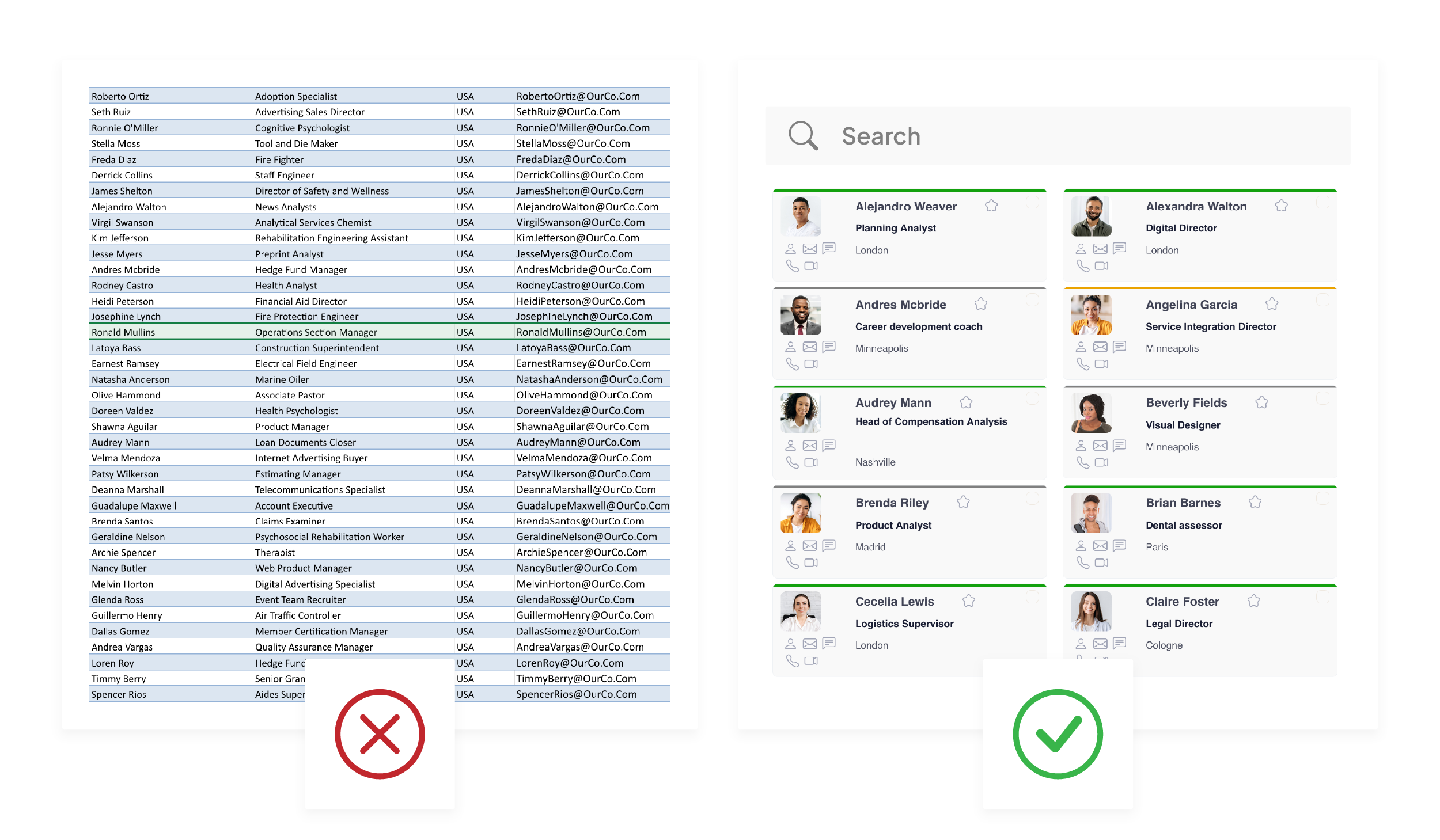
Ditch outdated contact lists and manual updates
Keep your employee directory effortlessly up to date with automatic sync from Entra ID. No more tedious, error-prone edits.
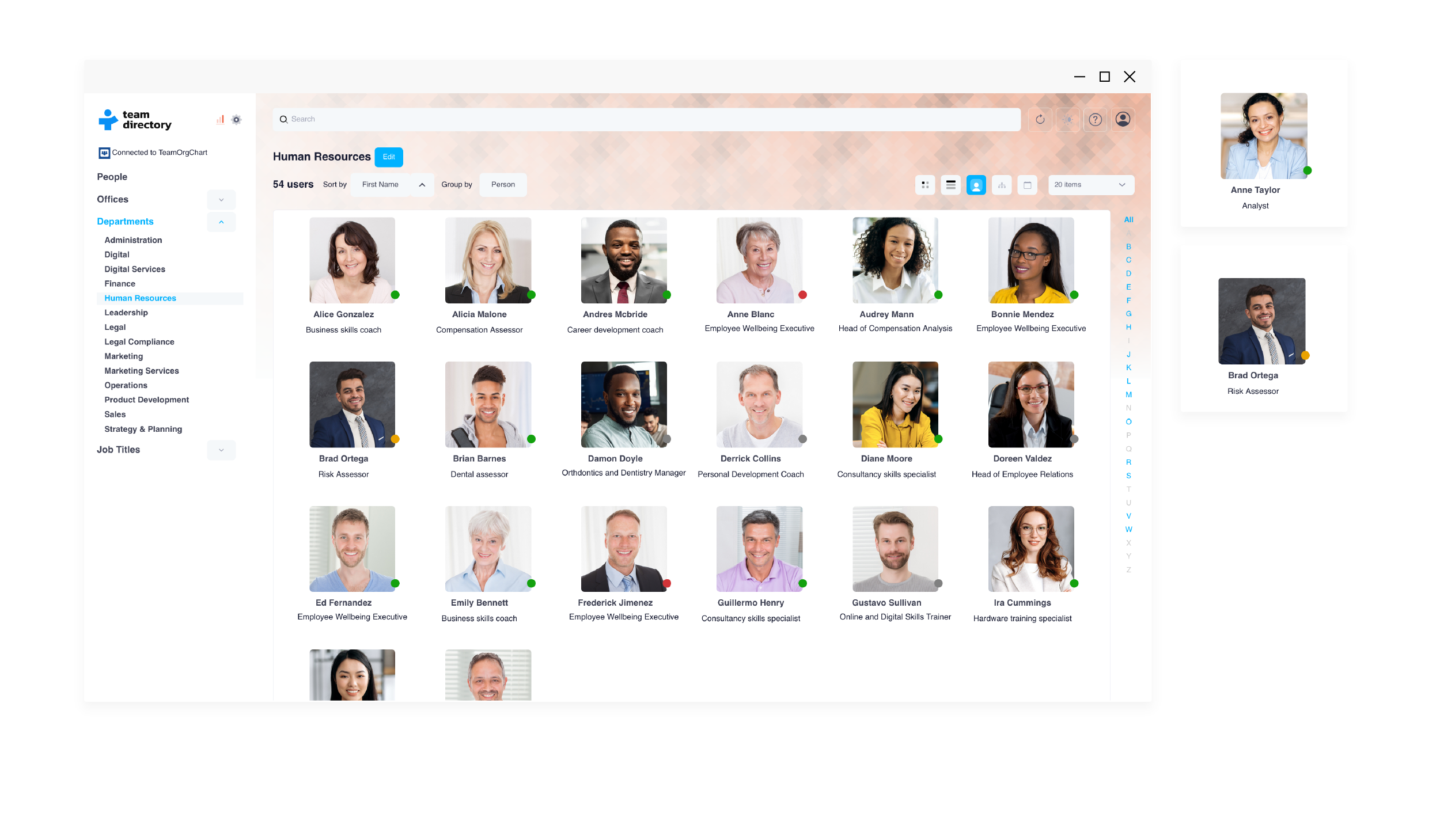
Connect with the people you need, faster
Visualize reporting lines, roles, and relationships instantly with intuitive layouts that make even large organizations easy to navigate.
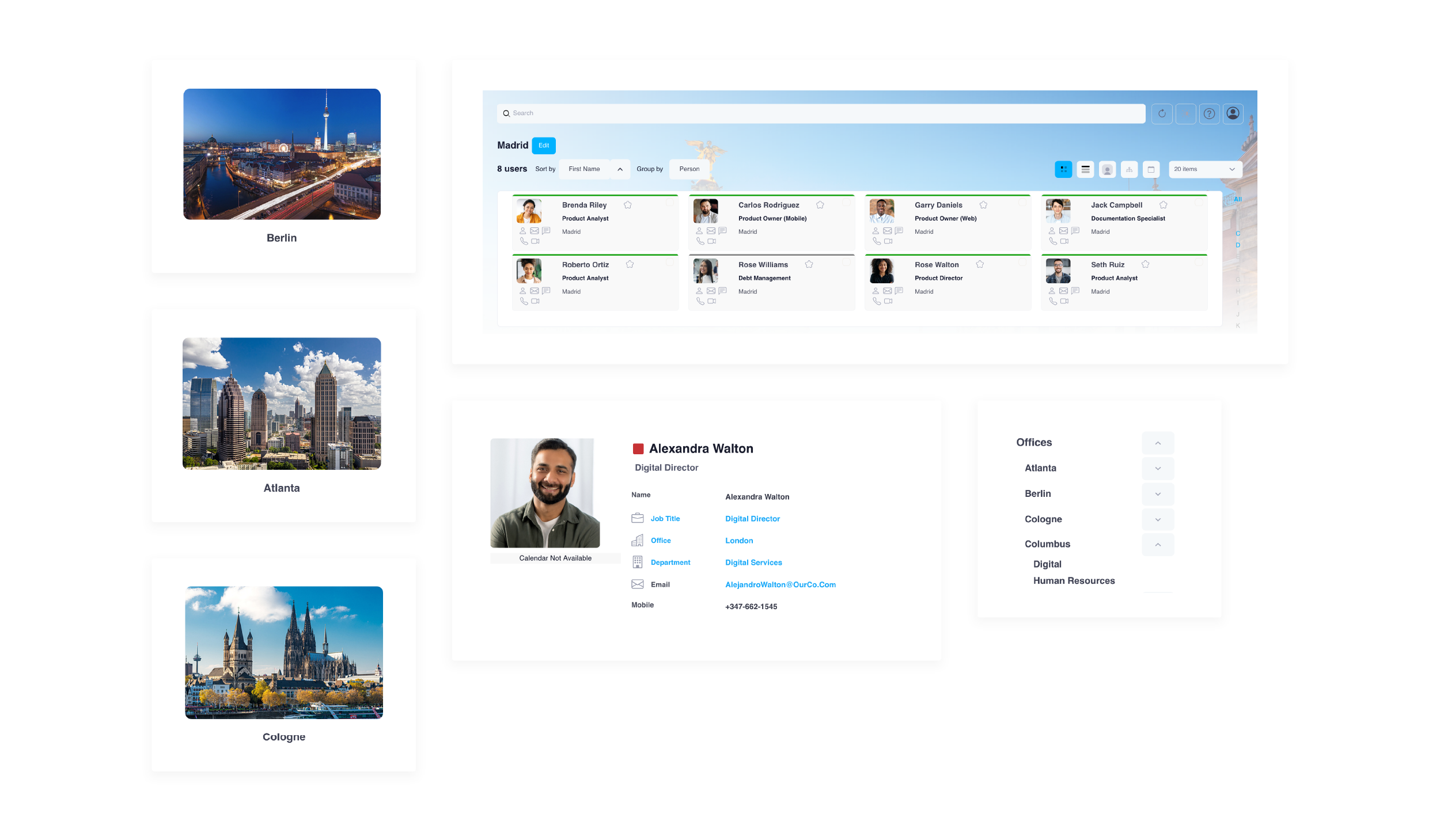
Bring clarity to remote and hybrid workforces
Help everyone stay connected with a clear, shared view of who’s who wherever they’re working from.
Single source of truth
Keep your employee directory accurate, consistent, and easy to access across your organization
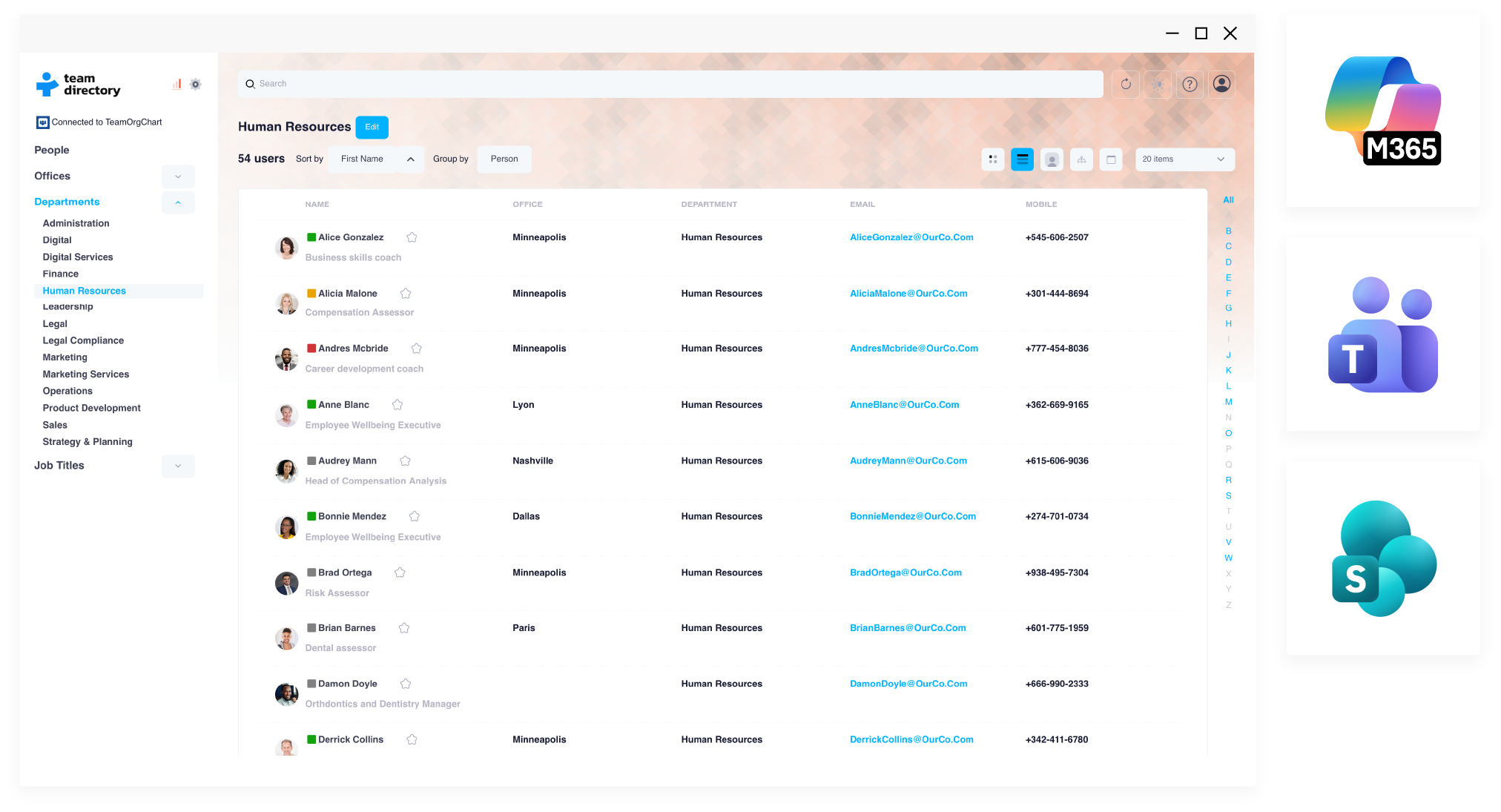
Key features
Boost connection and collaboration across your teams
Simple setup
Build your directory in minutes with single sign-on and data from Entra ID, no technical skills required.
Automatic sync
Your directory stays up to date with automatic sync from your Entra ID employee data.
Smart categories
Organize your directory around your unique structure using flexible, logic-based categories built from your data fields.
Org chart view
See how teams fit together with an integrated org chart that instantly maps hierarchy, reporting lines, and team structure.
Employee profiles
See key details like role, department, location, and Teams availability, with one-click options to chat or call colleagues.
Integration
Fit seamlessly into your Microsoft workflow and access your directory where you already work without switching apps.
Security
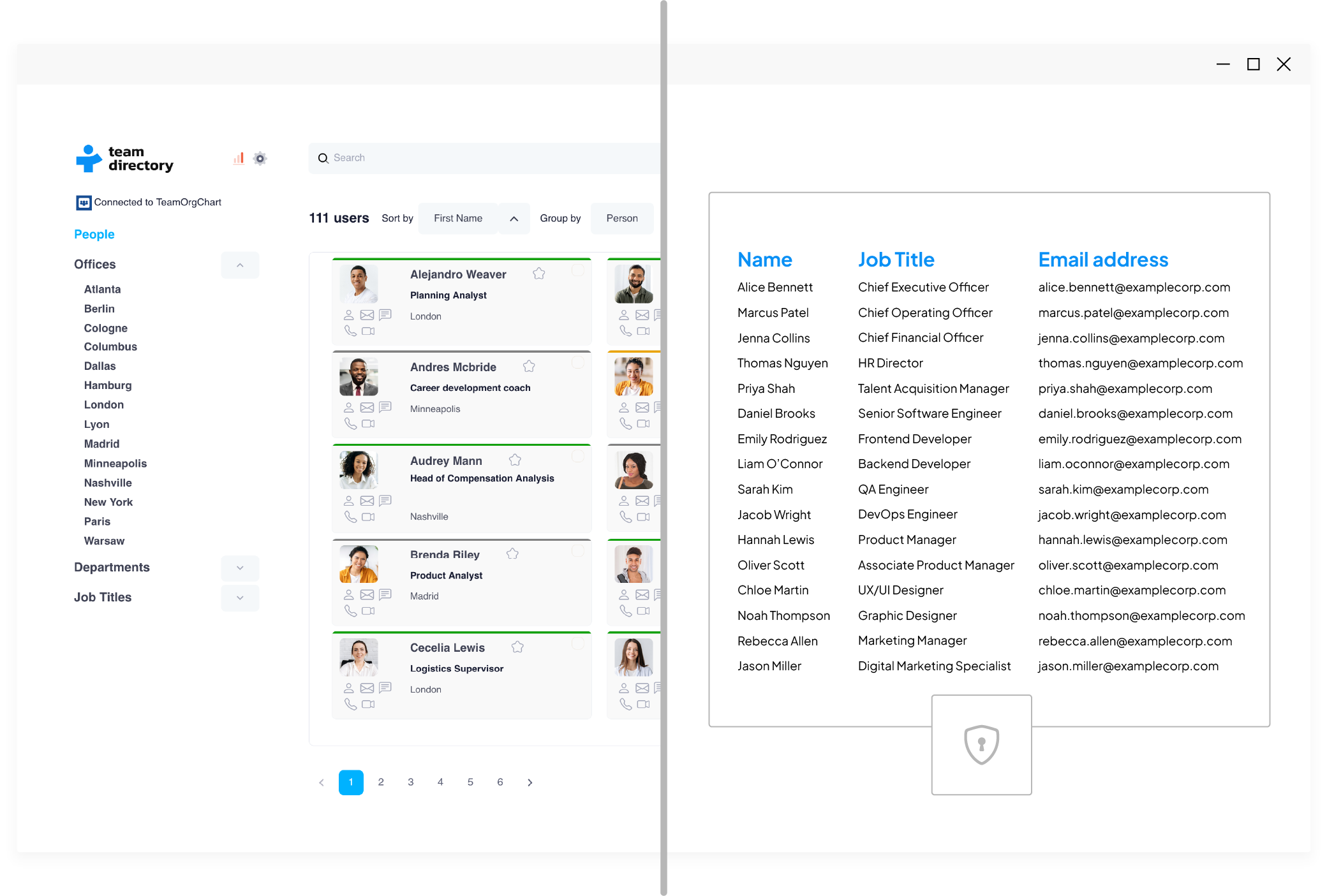
Your employee data never leaves your browser, TeamDirectory only stores essential configuration data
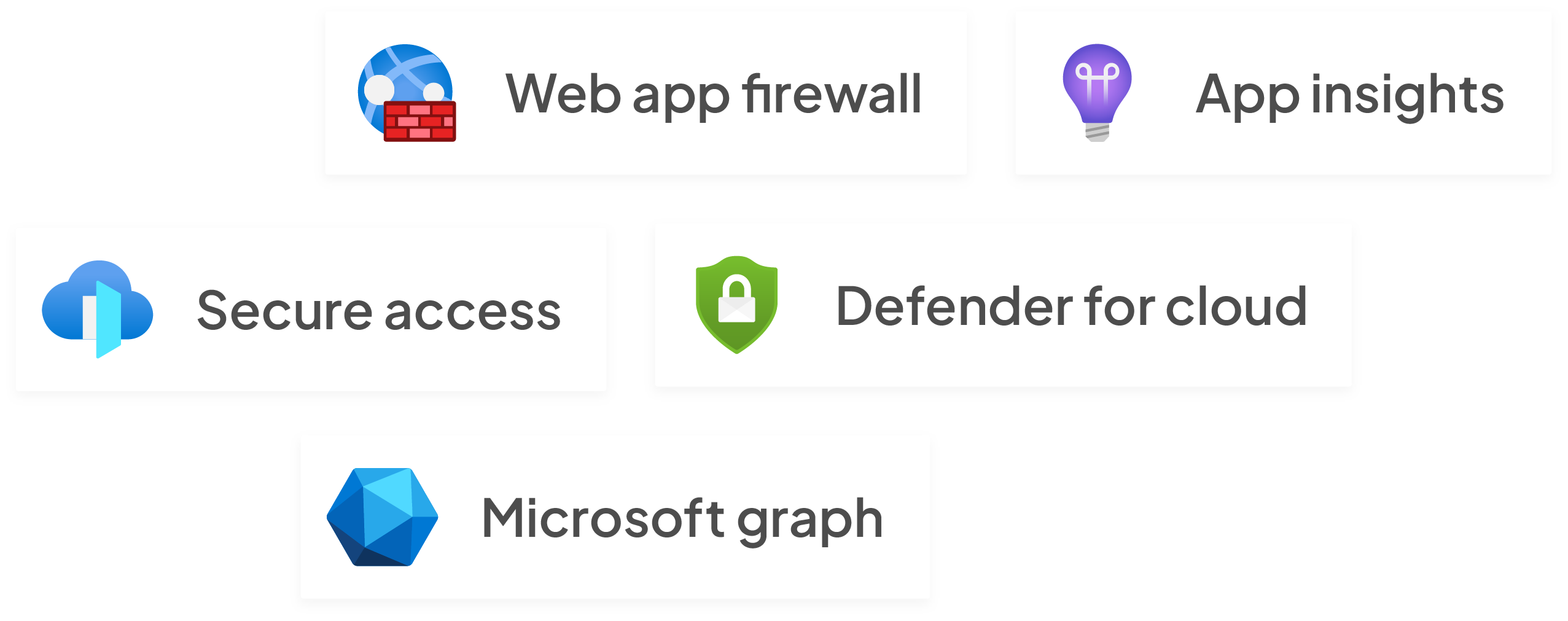
Architecture
Built with Microsoft Azure architecture ensuring your directory is safe and secure
Frequently asked questions
TeamDirectory is an employee directory that works across Teams, SharePoint and web browsers, letting you quickly search for colleagues and organise people data within Microsoft 365.
Smart Categories automatically group people by offices, departments or job titles, and the search feature lets you filter by attributes like role or location to find colleagues quickly.
Profiles display a person’s department, office, job title, availability and Teams presence, and you can chat, call or email them directly from the directory.
Yes, every plan includes a simple org chart view alongside smart categories, customisable search and logic‑based filters.
The service stores only configuration data such as filters; employee information remains in your environment and isn’t shared with third parties.
Plans are priced at $25/month for up to 200 employees, $60/month for up to 750 and $140/month for larger organisations, all with a 30‑day free trial.