OrgCharts for Excel
Turn your employee data into clear, dynamic org charts directly in Excel
Overview
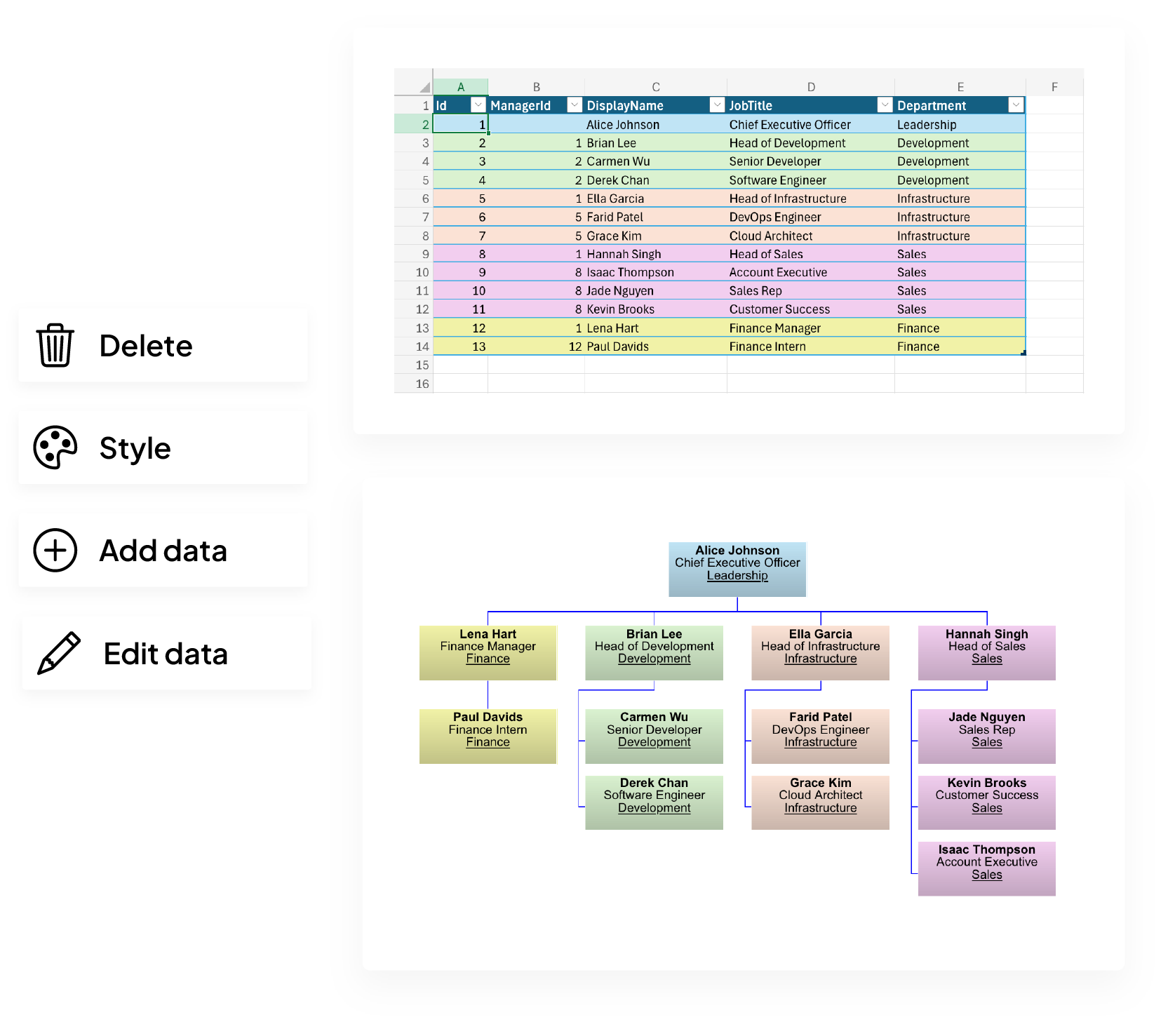
Create org charts straight from your Excel tables
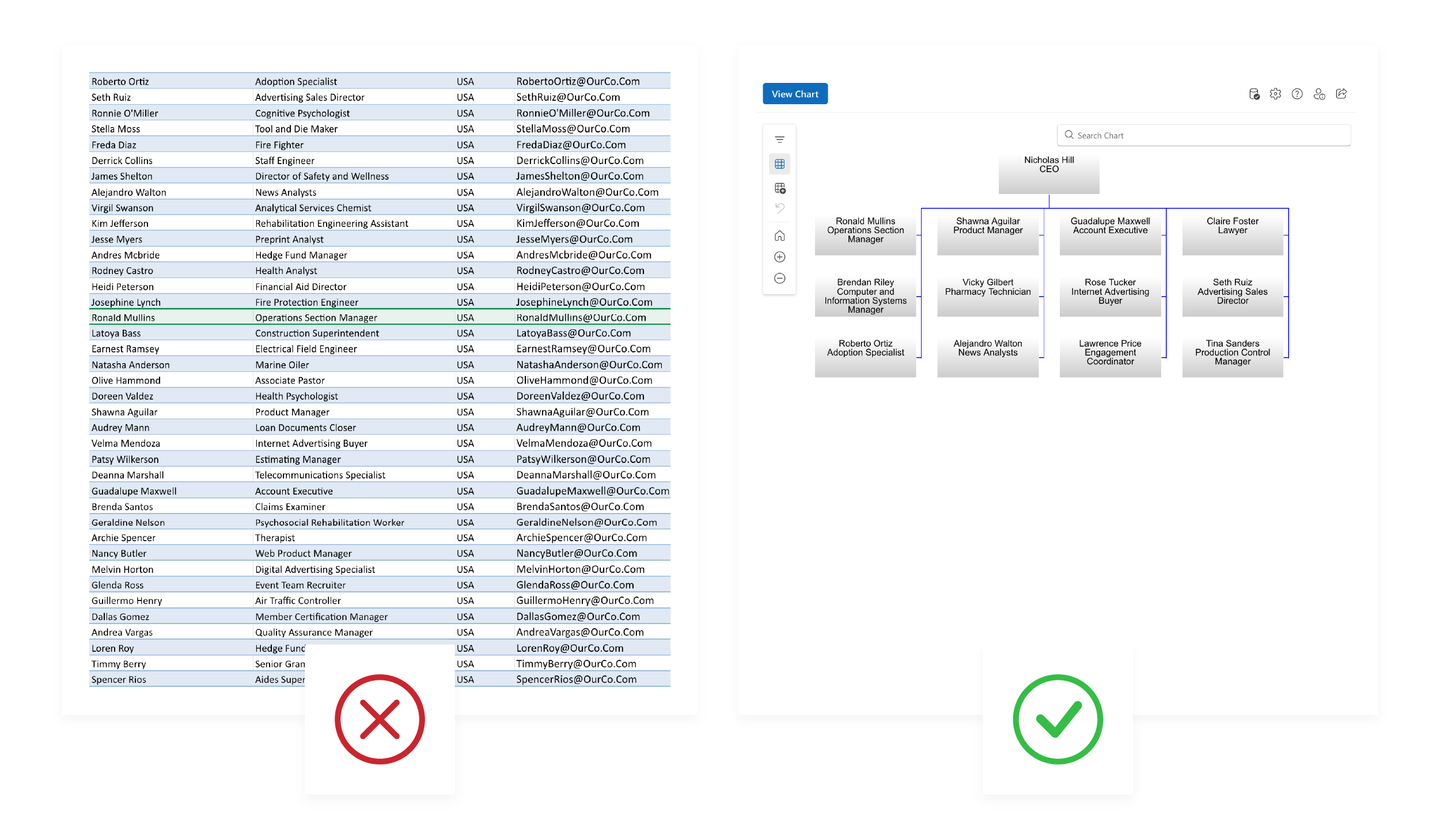
Transform messy employee data into a clear, visual structure
Convert endless rows of employee data into a single, streamlined view of your organization. Identify reporting lines, spot gaps, and share a structure everyone can understand.
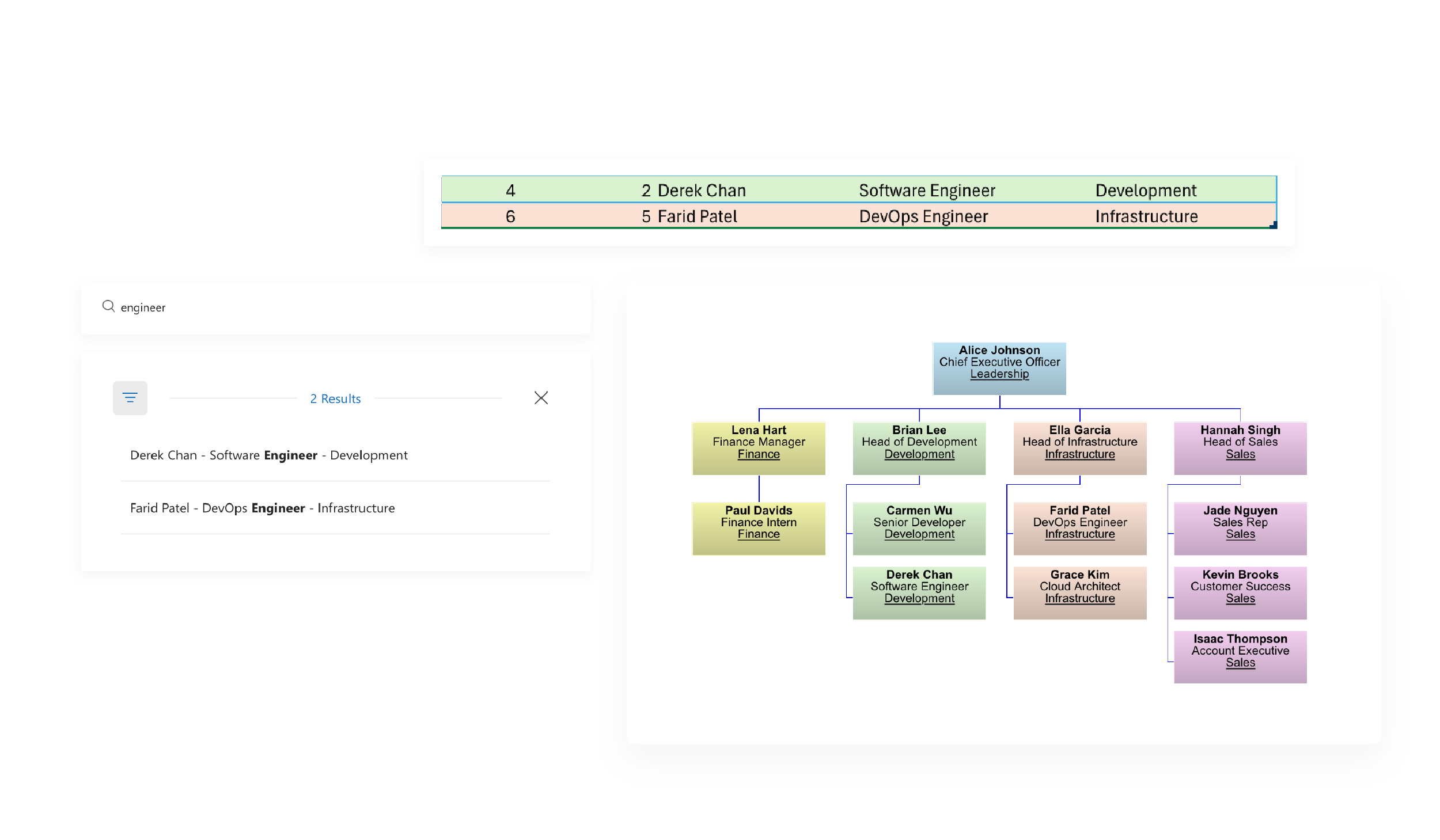
Quickly locate any person or team even in complex structures
Bring the right people or teams into focus and understand how they connect to the rest of your organization.
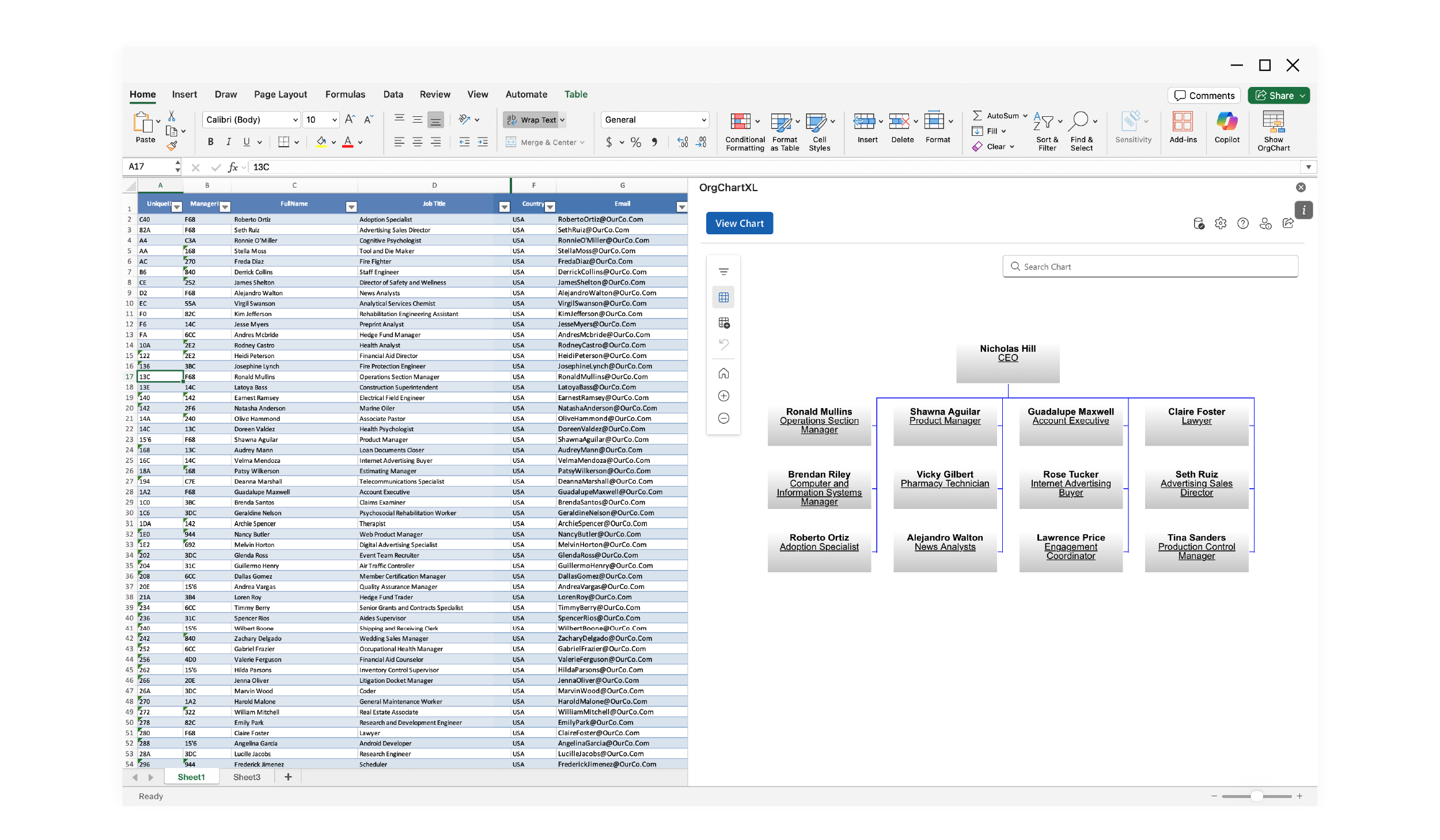
Update and customize in a familiar environment
No new software to learn. Work inside the same spreadsheets and workflows you use every day. Adjust roles, teams, and fields in Excel and instantly reflect those changes in your org charts.
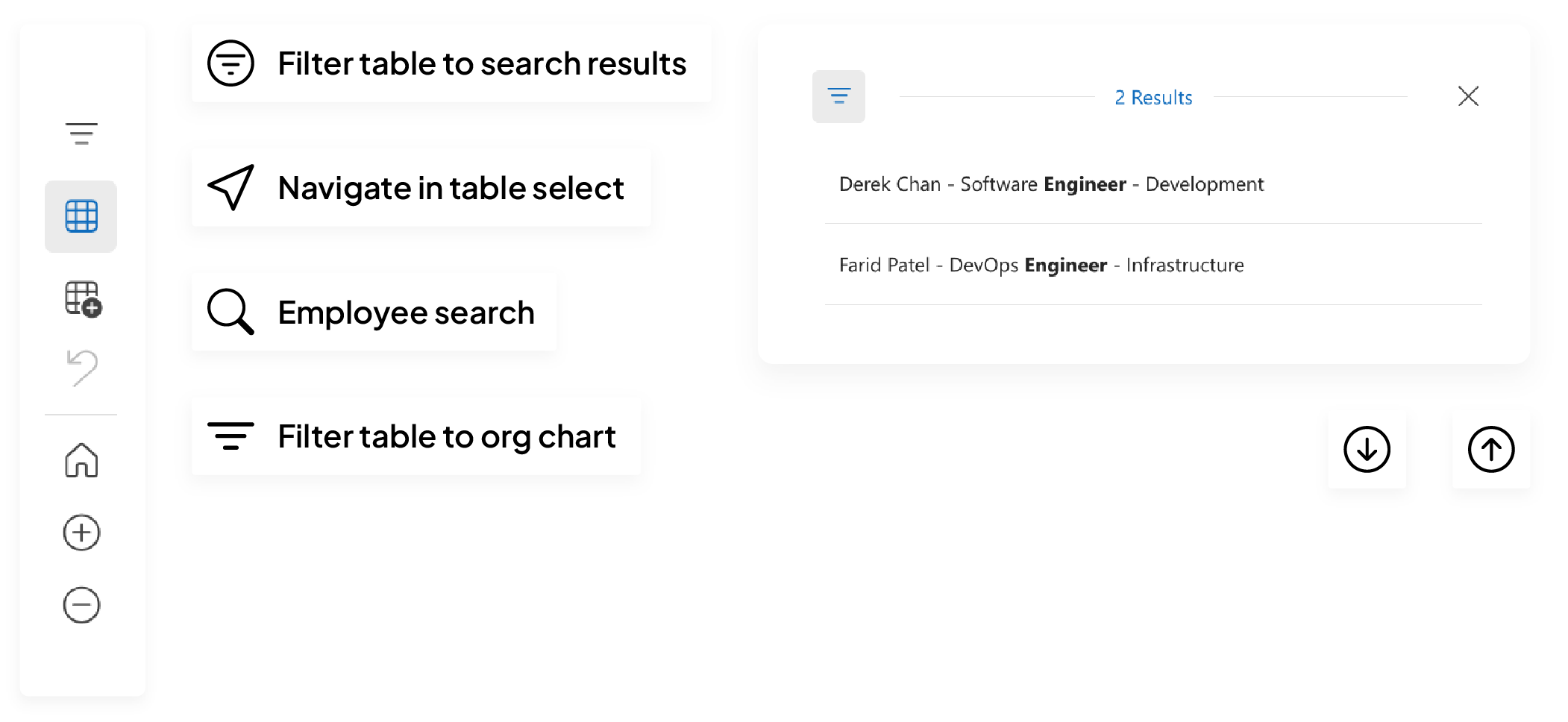
Easy navigation
Search and filter your employee data effortlessly, instantly locate people and teams
Automatic updates
Any changes to your table are reflected in your org chart, no manual input required
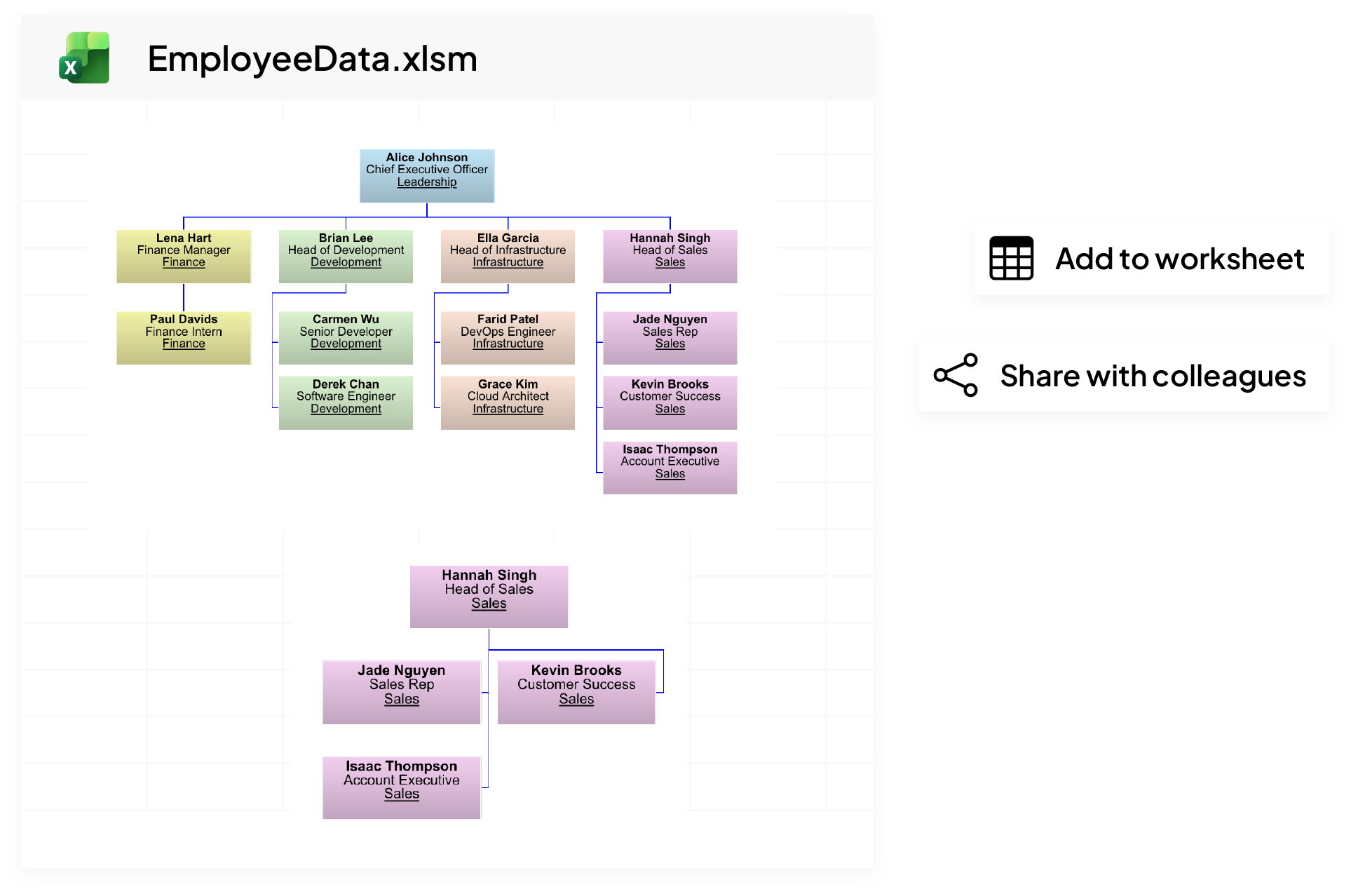
Share with colleagues
Add your chart to your worksheet as an image, export or simply share the Excel file
Key features
Ditch awkward org chart edits and update directly from your data
Simple setup
Install from AppSource or the Excel store, and OrgCharts for Excel can scan your worksheet and build your org chart automatically.
Automatic sync
Updates to your employee table are instantly reflected in your chart without no manual edits.
Swift navigation
Quickly find people and teams with built-in search, or jump to their location directly from your table.
Customization
Highlight key information with flexible styling and formatting options in both your table and chart.
Data analysis
Scan your data table and identify incomplete fields to ensure that you maintain accurate employee records.
Frequently asked questions
OrgCharts for Excel is an add‑in that turns your spreadsheet into a dynamic org chart, making it easy to visualise hierarchies without leaving Excel.
It reads your spreadsheet columns for employee and manager data, and any changes you make in the table—adding, removing or moving people—update the chart instantly.
Yes, built‑in search and filters help you quickly find employees or teams within large datasets.
No—employee data stays within your workbook, so nothing is exported or replicated to external servers.
The add‑in costs $5 per user per month and includes a 7‑day free trial with no credit card required.